
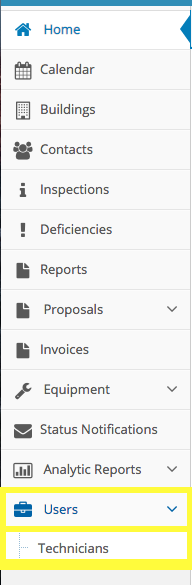
From the Dashboard, click the Users tab on the left sidebar, followed by Technicians
Click the Billing Report button in the upper right of the screen

Set the start and end dates of the report, and select the technician you'd like to run the report for
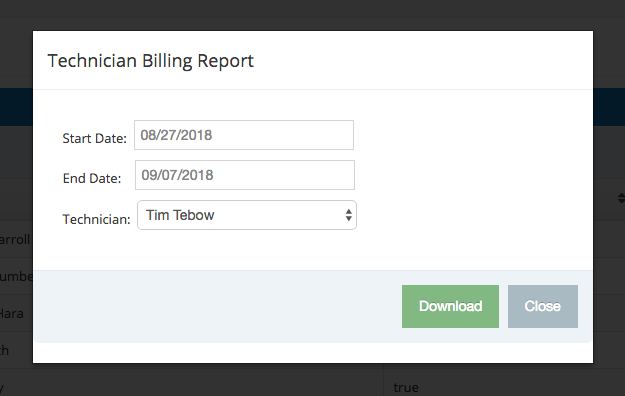
Click Download and a CSV report will be downloaded to your computer
>>> Repeat the process outlines above to run additional billing reports
Comments
0 comments
Please sign in to leave a comment.