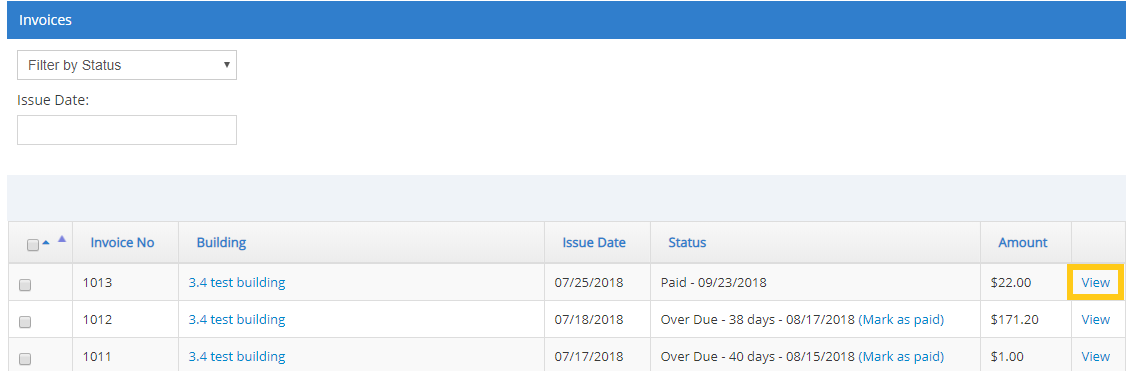
Start on the invoice tab, and click view to the right of the invoice you wish to reverse payment for
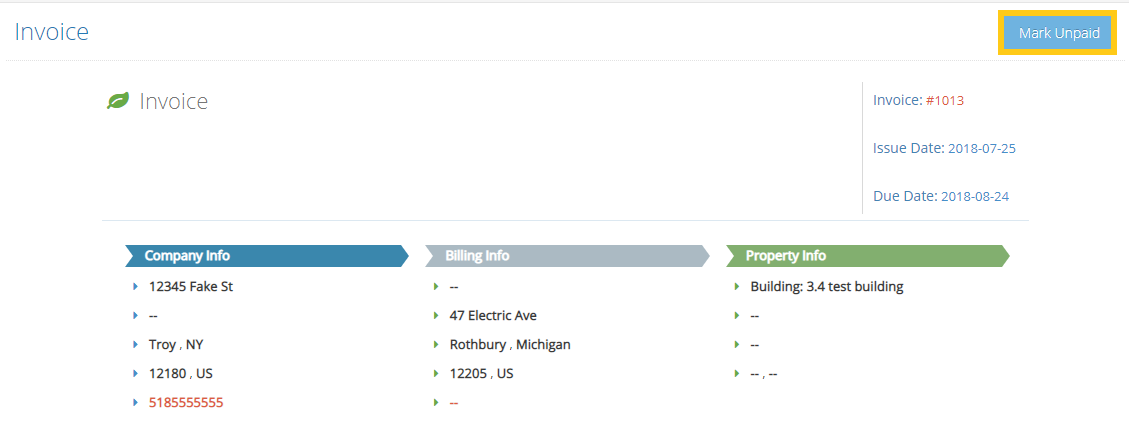
Select the option to mark unpaid in the upper right of the screen
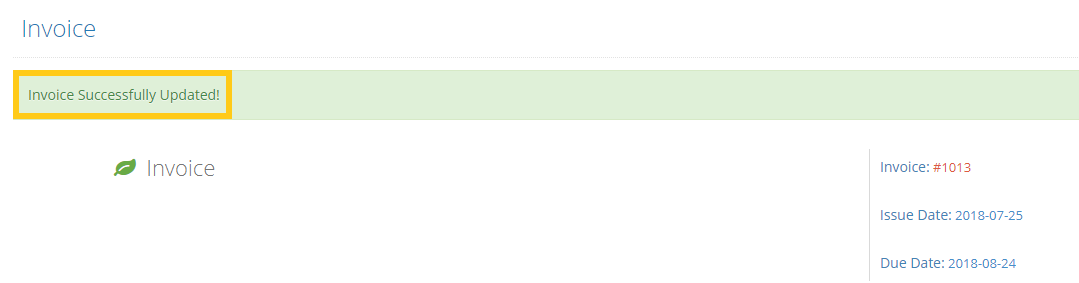
A green success bar will appear letting you know the invoice has been updated

Start on the invoice tab, and click view to the right of the invoice you wish to reverse payment for
Select the option to mark unpaid in the upper right of the screen
A green success bar will appear letting you know the invoice has been updated
Comments
0 comments
Please sign in to leave a comment.